

Create Images and Video with Generative AI
Images and moving sequences begin with different decisions, but both benefit from a clear visual idea. Start with the story, explore references, and treat generated material as something to review and shape rather than an automatic final cut.
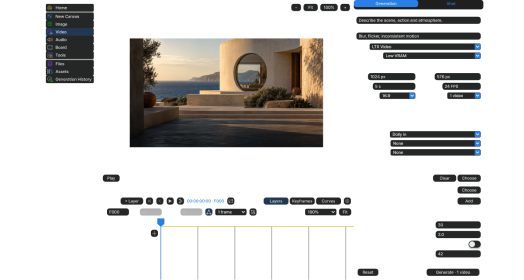
Frame the image before generating
Describe the subject, setting, framing, and intended use. A poster, editorial image, and social thumbnail need different proportions and different amounts of space around the subject.
Use a reference when it helps communicate a composition or mood, and keep a record of the materials used. Compare several directions at the size where the finished image will appear.
Think in shots for video
Break a sequence into short shots with a clear action, viewpoint, and duration. A simple shot list makes it easier to review the relationship between images rather than asking one prompt to explain an entire story.
Check movement, timing, and visual continuity between shots. Generated motion can introduce changes in details from frame to frame, so inspect the result before deciding what to keep or revise.
Edit for the final destination
Select and refine the material in an editor: adjust framing and color, arrange the sequence, and add approved text or sound where appropriate. Keep the editable source separate from the exported deliverable.
Review the final aspect ratio, resolution, duration, and playback in the intended context. Rights, model terms, and the availability of particular tools depend on the materials and services used.